Image
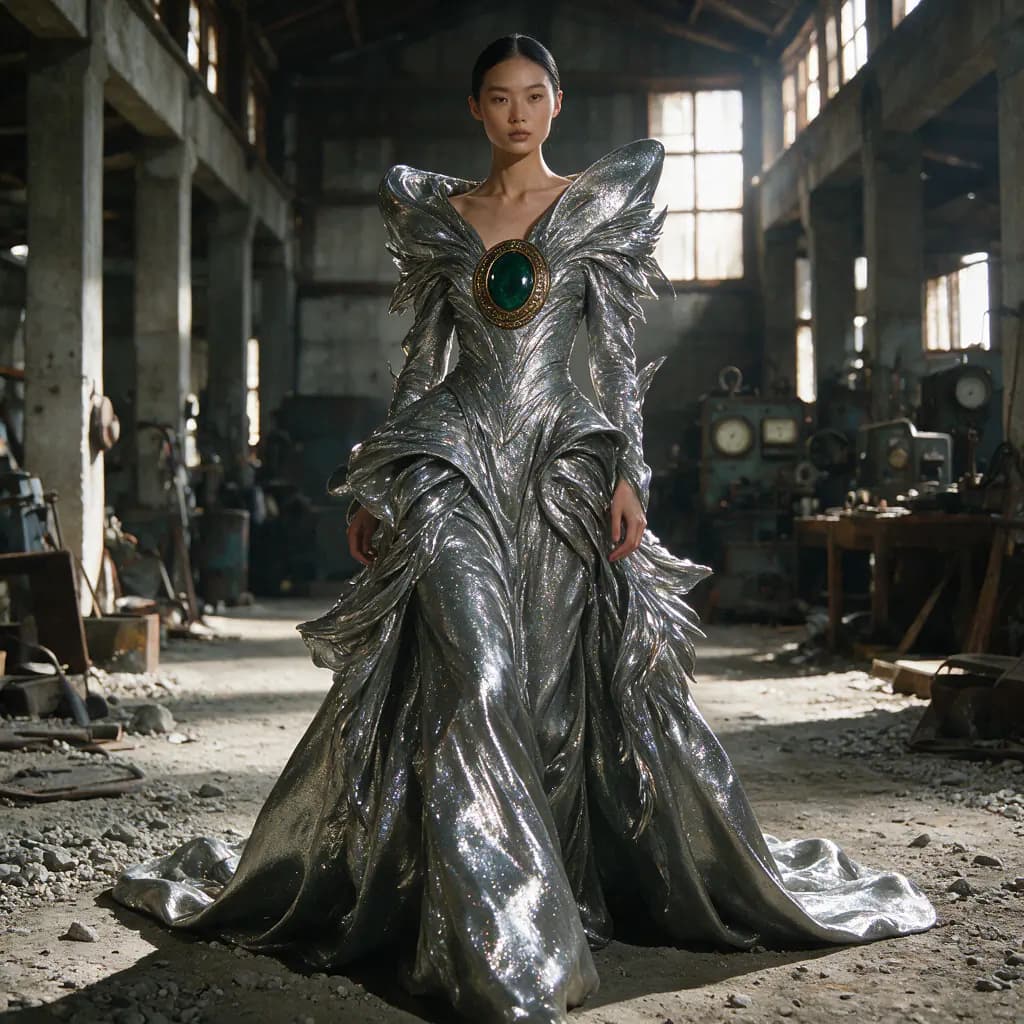
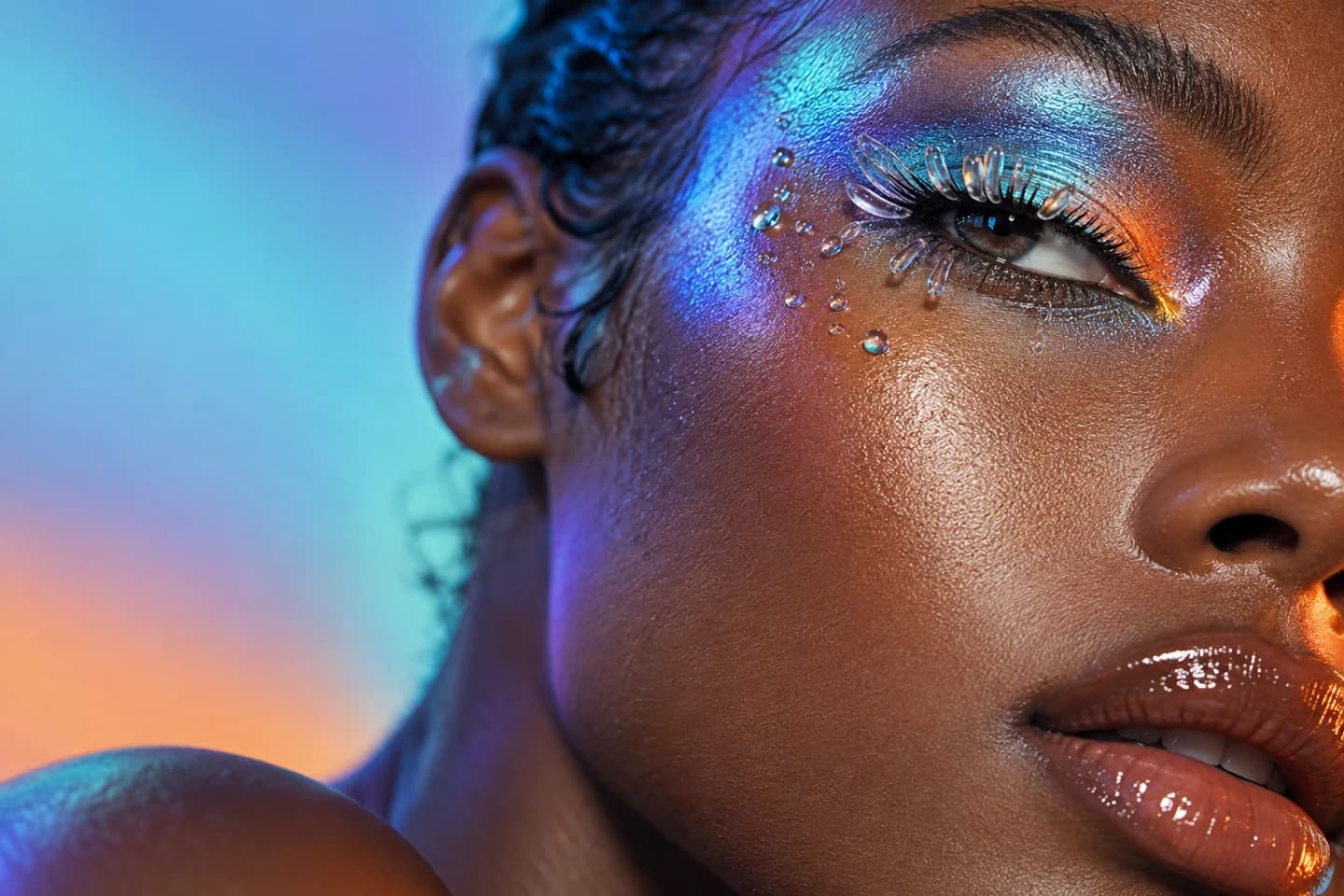
Generate images from a text prompt or edit an existing one with references. Fan out several variations in a single run and keep every result in the gallery.
Flowctory Labs
Pick a model, write a prompt and generate. No nodes to connect: every result lands in a gallery where you can edit it, reuse it as a reference or download it.
Available on every plan, including Free

How it works
Labs is a standalone generation studio inside Flowctory. Open it, pick a model, type a prompt, and generate - no nodes, no wiring, no multi-step flow. Every result is saved to a Labs project you can revisit, reorder, and reuse.
Sign in and open Labs from the dashboard, then create or pick a Labs project.
Choose an image, video, audio, or text model, type your prompt, and attach any reference media.
Run the generation. Your result lands in the gallery, ready to download, edit, or reuse as a reference.
Generate images from a text prompt or edit an existing one with references. Fan out several variations in a single run and keep every result in the gallery.
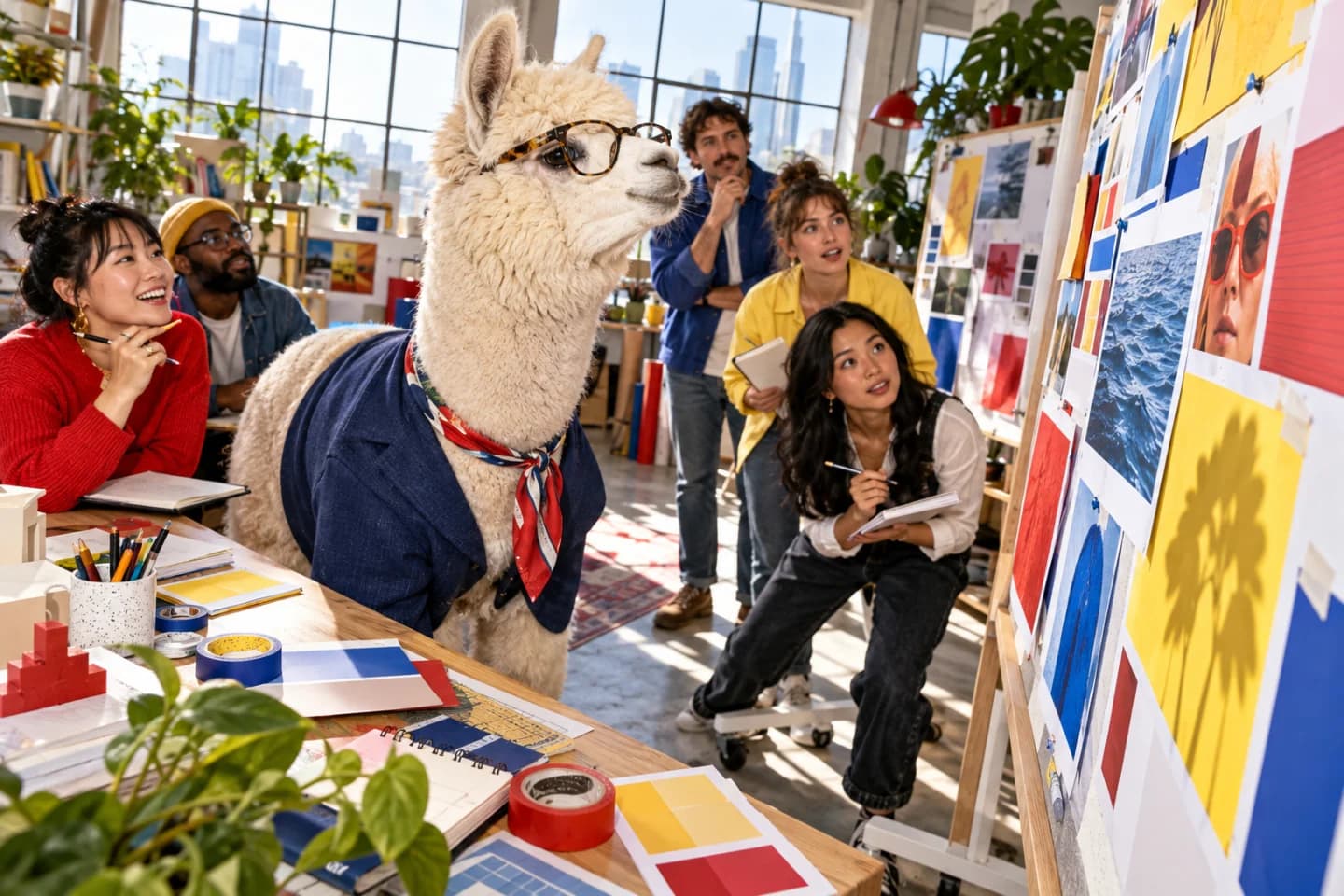
Turn a prompt or a still image into video, animate a first and last frame, or transform an existing clip. Outputs stream back into the gallery as they finish.
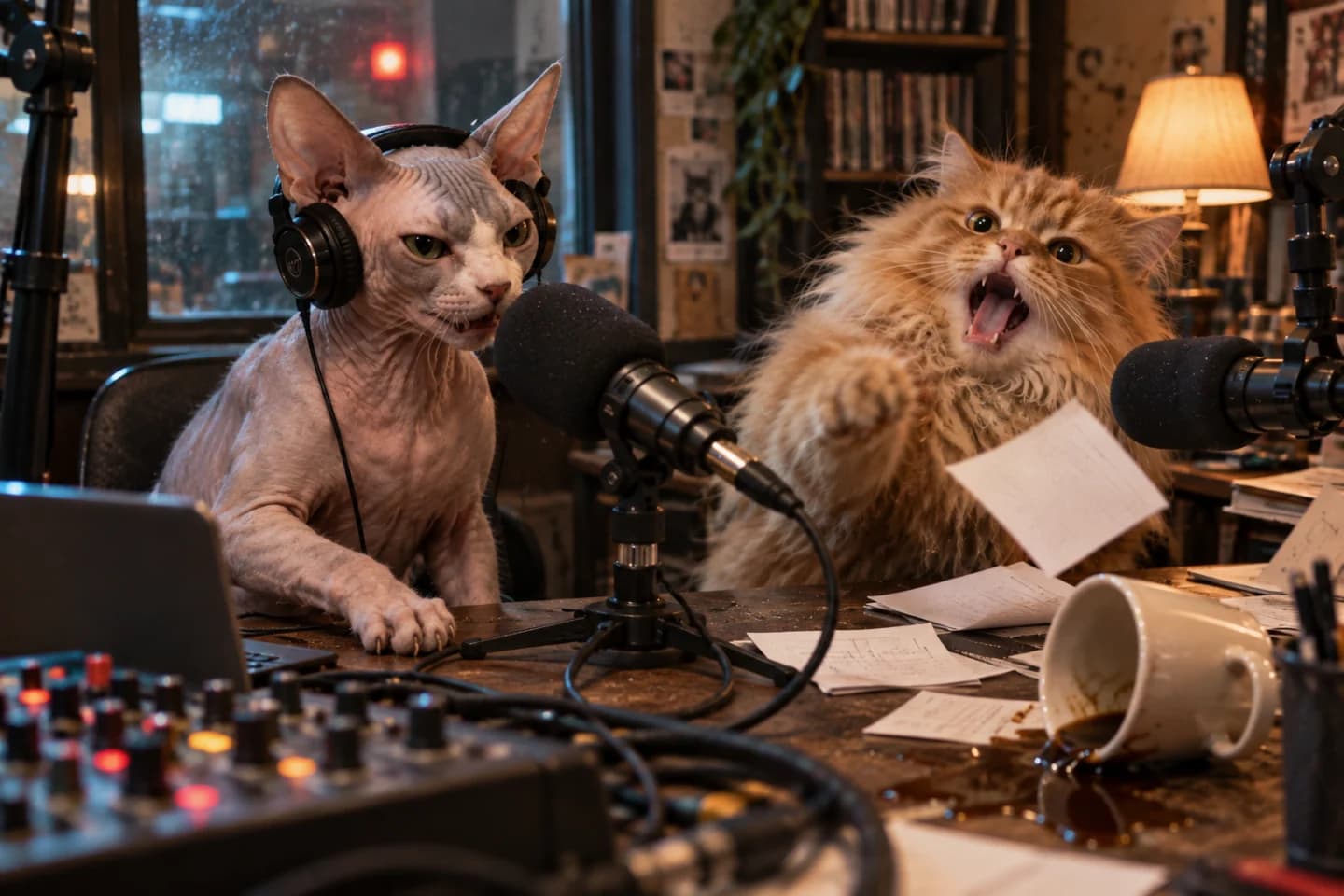
Generate voice and audio from text with ElevenLabs models, then download the result or reuse it as a soundtrack elsewhere in Flowctory.
Generate copy, scripts, and captions with text models. Attach reference images for vision-grounded prompts, or iterate on a previous result.
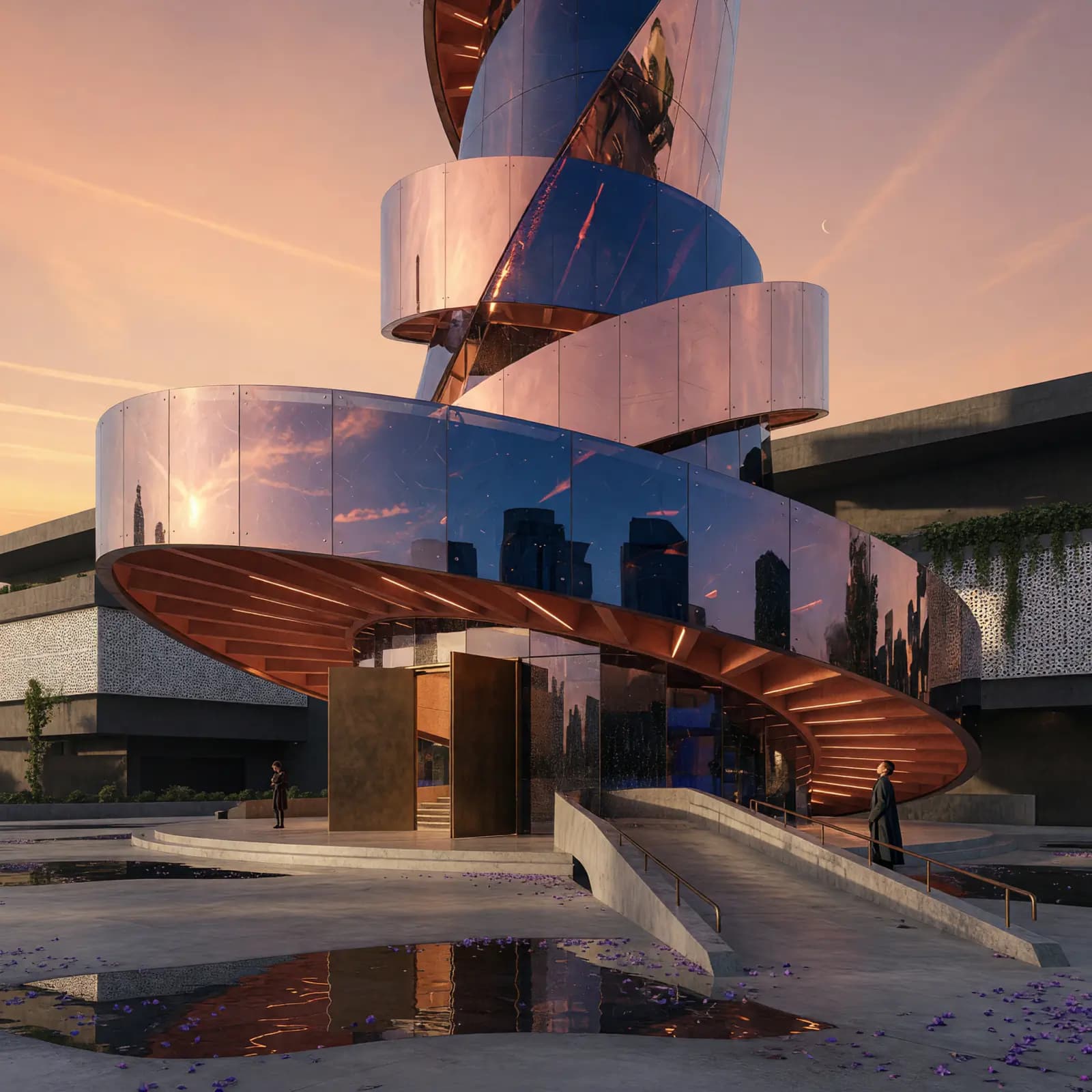
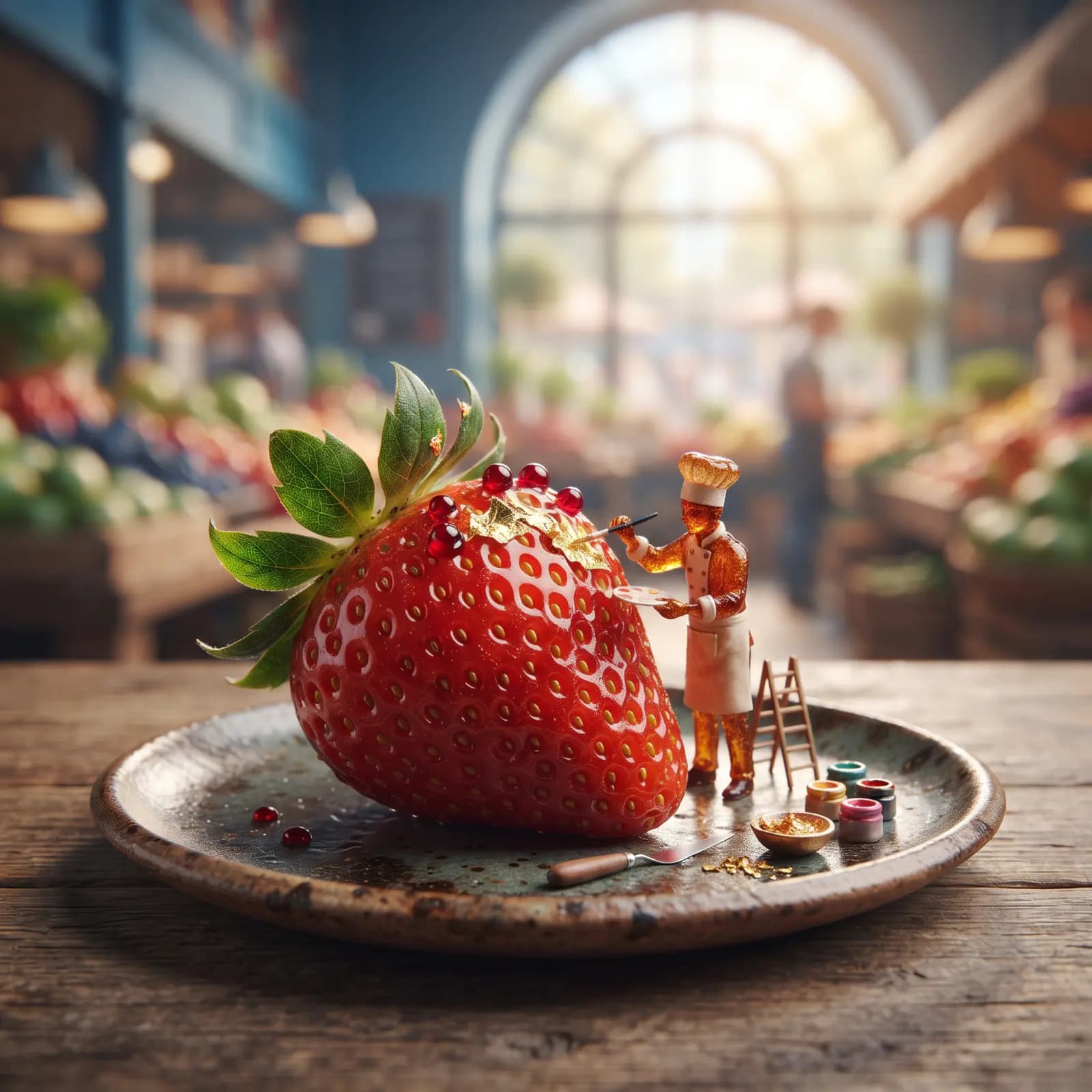
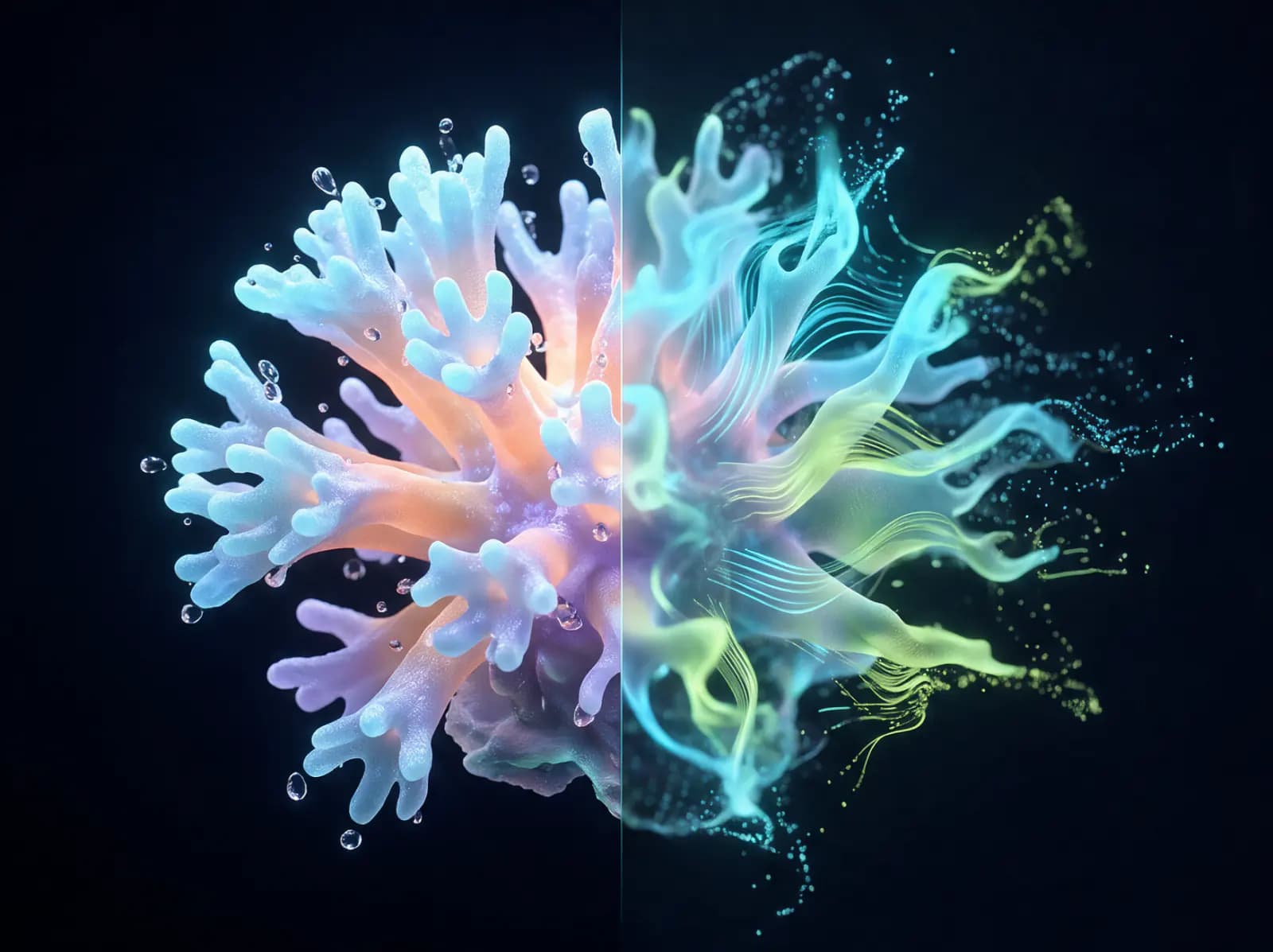

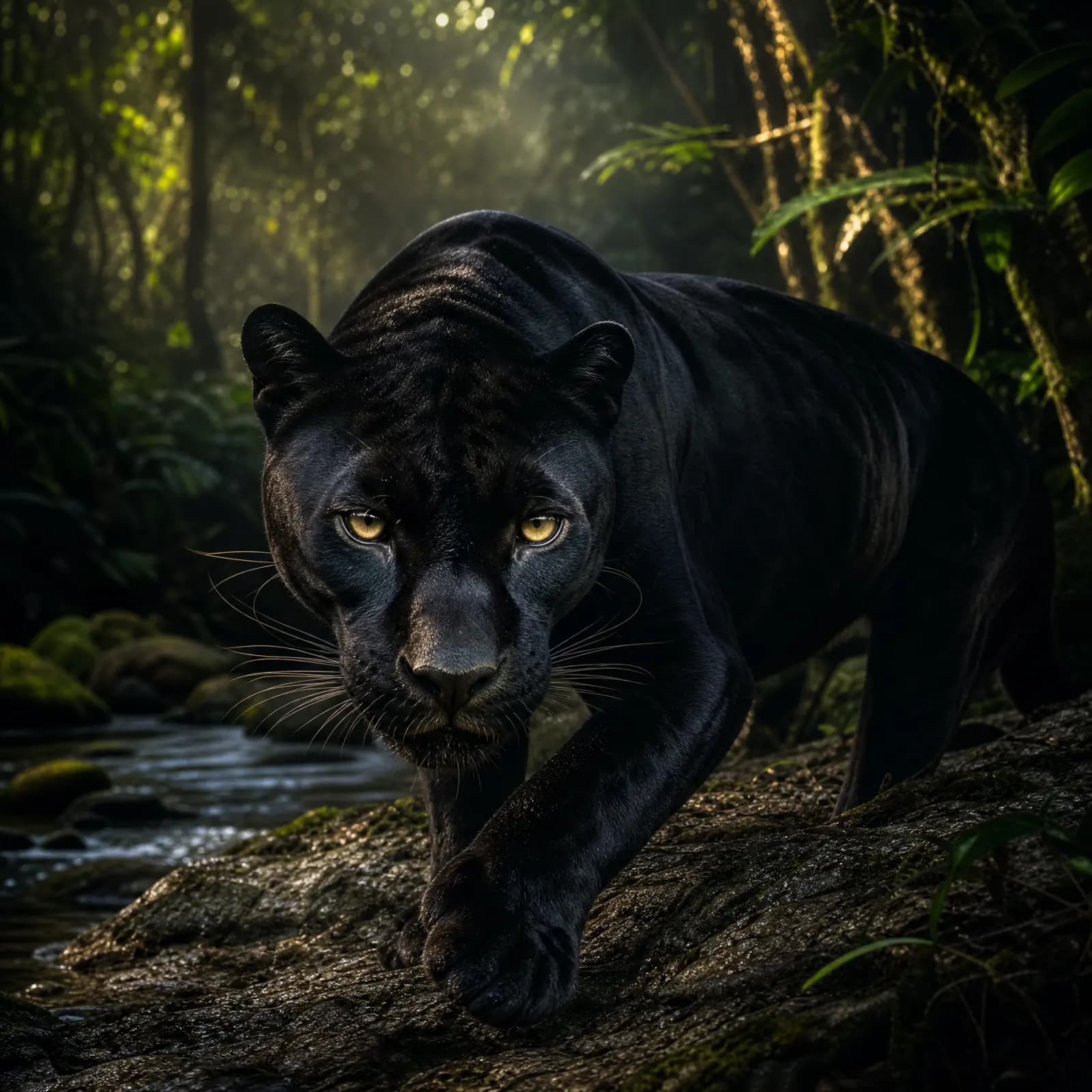
Every generation lands in a scrollable gallery. Drag any result back into the composer as a reference, focus a tile to edit it with a new prompt, or combine two images into one run - your outputs become the inputs for the next generation.

Open a generated image in the lightbox to crop, draw and annotate at full resolution. Editing tools are available on every plan; saving an edit is included on every paid plan, including Plus.
Labs supports quick, standalone generation. Canvas connects generation steps into reusable workflows, with video stitching on Pro and Max and downloadable exports.
Labs
Quick, one-off assets: test a prompt, compare models and keep the best result.
Canvas
Repeatable workflows that connect several steps, such as generating, editing and stitching.
Explore workflows