AI influencer generator
Design an AI creator once, then reuse them across scenes, products and formats. Flowctory combines image models for the character, reference-based video models for motion, and voice and lip-sync models for talking clips in one workspace.
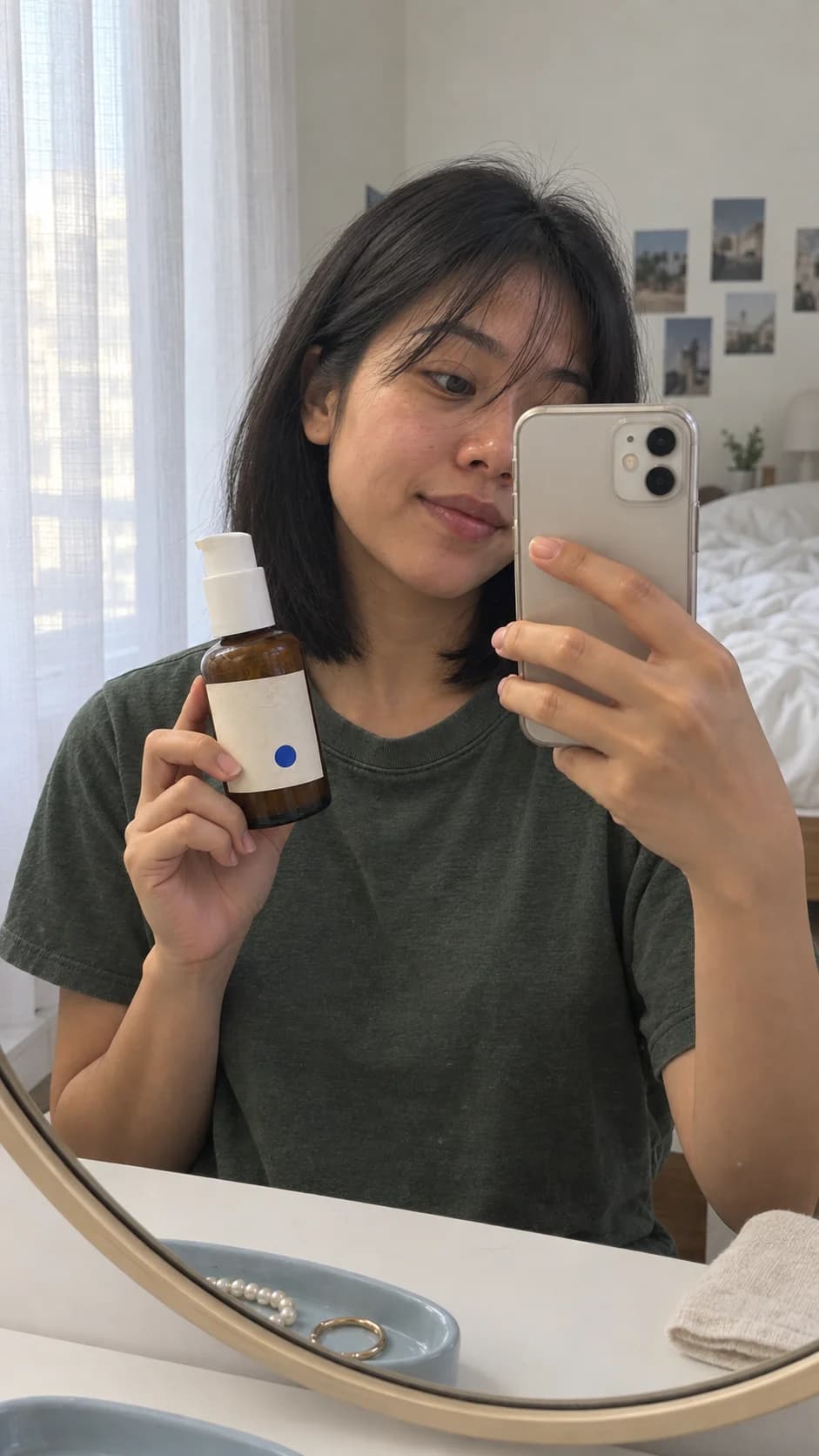
How to create an AI influencer
- 01
Design the character
Describe the look, age range, style and setting, then pick the portrait you want to keep.
- 02
Reuse them as a reference
Feed the chosen portrait into reference-based image and video models to place the same person in new scenes with your products.
- 03
Give them a voice
Write a script, generate speech with a voice model and sync it to the video, or keep scenes silent with captions.
For brands that want an always-available spokesperson and for creators building faceless or virtual-influencer channels.
Top workflows
- One AI creator, consistent across product ads
- Talking clips with a generated voice and lip sync
- Virtual-influencer posts for Instagram, TikTok and YouTube Shorts
Why Flowctory fits
- Image, video, voice and lip-sync models in one credit balance
- Reference images keep your character consistent
- Save the character workflow and reuse it in every campaign
Recommended plan
Pro - Pro adds more monthly credits for character, video and voice generations, plus Canvas video stitching. See the pricing page for current limits.
View pricingQuestions about AI influencers
- How do I keep the face consistent?
- Reuse the same portrait as a reference image in every step. Reference-based models in the live model directory keep the character much closer to the original than text prompts alone.
- Can my AI influencer talk?
- Yes. Generate speech from a script with a voice model, then use a lip-sync model to match it to a video clip.
- Do I need to disclose that the influencer is AI?
- Many platforms and jurisdictions require labels for AI-generated people or sponsored content. Check the rules of each channel before publishing.
- Can I try it for free?
- Eligible new accounts with a verified email can try one image and one video free during Labs onboarding, without a card. Those outputs carry a Flowctory watermark; active paid plans and purchased credits produce watermark-free media.