UGC-style video ad from a product photo
Keep the same creator in every scene, plan a hook, demo and proof shot, then cut a vertical ad that feels filmed on a phone.
6 steps · Brief → Images → Film
Real workflow example
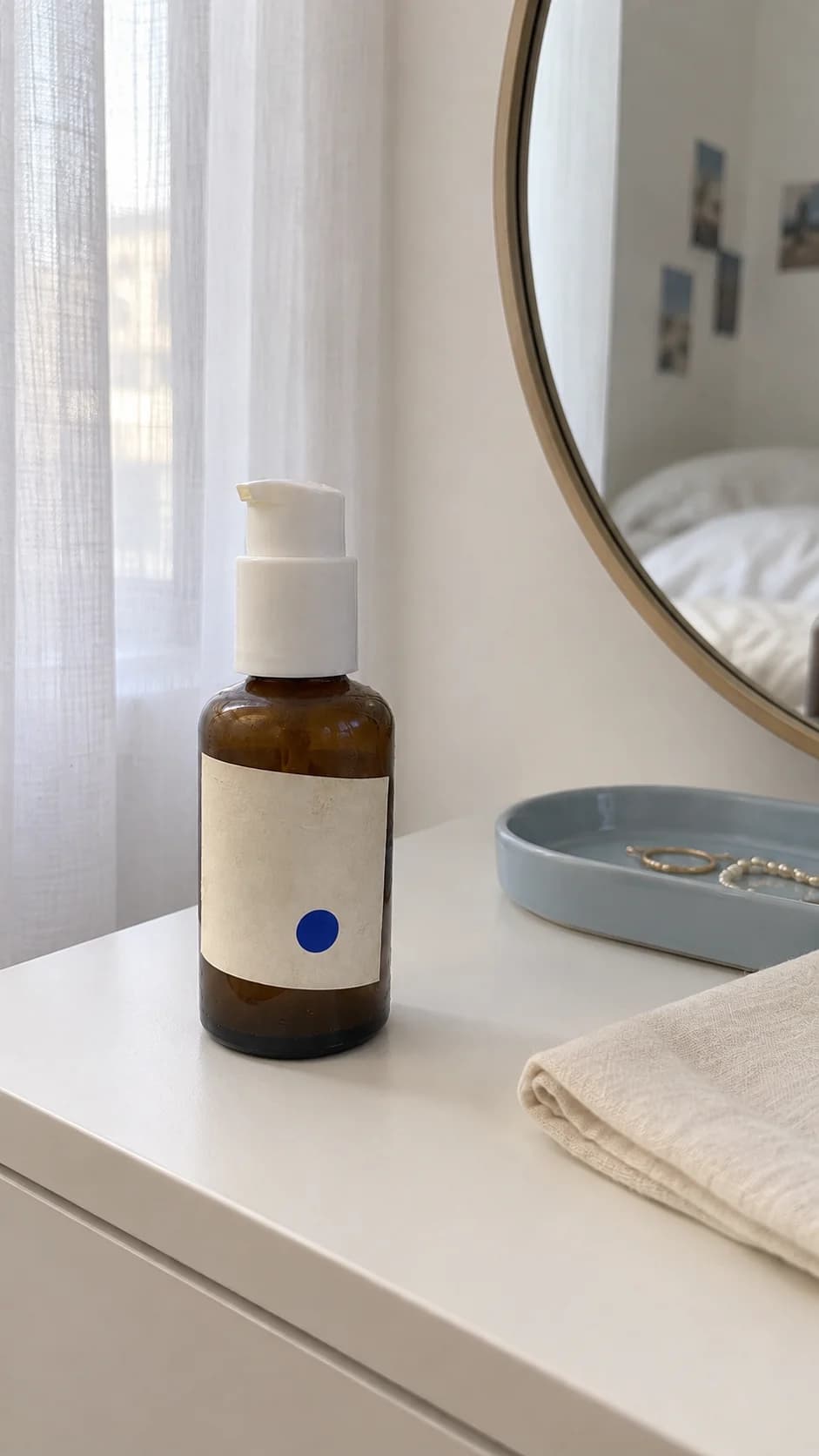
What this workflow produces
A 9:16 creator-style ad with a hook, a product demonstration and a closing proof shot, all with the same person and product.
Workflow steps
- 01
Add source media
Place the strongest reference image, product shot, or brand asset on the canvas so every downstream step starts from the same visual source.
- 02
Generate the key visual
Use an image generation or editing node to establish the composition, subject, and visual direction before spending credits on motion.
- 03
Write the focused prompt or script
Generate or refine concise copy for the scene. Keep the message and motion instructions specific enough to reuse across variants.
- 04
Branch useful variants
Duplicate the promising branch to test alternate styling, framing, or motion without rebuilding the whole workflow.
- 05
Create motion
Connect the approved still and text to a compatible video model, then generate a short clip with deliberate camera and subject movement.
- 06
Review, stitch, and export
Compare the outputs, trim or sequence the strongest clips, then export the finished asset in the format your channel needs.
How do you make a UGC-style video ad with AI?
Start from a real product photo, generate one creator who stays the same in every scene, then build the ad from three short beats: a hook, a demonstration and a proof moment. Animate each beat and cut them into one vertical video.
Plan the beats before you generate
Write one line for each beat: the problem in the hook, how the product is used in the demo and the result in the proof shot. Keep the setting ordinary, such as a bedroom or a car, so the ad feels filmed on a phone. Only show claims you can support, and only use products and likenesses you have the right to use.
Example prompt for the creator
Use the uploaded product photo as the reference. An adult woman in a plain T-shirt takes a mirror selfie at a clean bedroom vanity, holding the same amber pump bottle. Natural skin texture, slightly imperfect phone framing, soft daylight. No filters, no text.
Example prompt for the hook
Same creator and bottle. Close front-camera shot: she rests her cheek on one hand and looks into the lens with a skeptical expression. Handheld phone feel, natural light, no added text.
Example image-to-video prompt for the demo
She presses the pump once and spreads the serum on her cheek, then smiles slightly at the camera. Handheld phone camera with a little natural shake. Keep her face, hair, shirt and the bottle unchanged. No cuts.
These prompts are starting points, not the exact recipe for the example video above.
Keep the creator and the product consistent
Line up every scene and check that the face, hair, clothing and bottle match. One scene that drifts breaks the illusion. During the demo, check that the hands and the pump look natural. Keep the final cut short and put the strongest moment in the first seconds.
What does this workflow cost?
There is no fixed price for a finished ad. Each image and clip uses credits based on the model and settings, and retries add to the total. Check the estimate before each run. Labs is available on every plan, including Free; stitching the scenes in Canvas requires Pro or Max.
Check current plans and creditsChoose models for the job
Model availability, supported inputs, speed, and credit cost vary. Use the live model directory to compare current options before you build.
This guide shows a reusable workflow pattern. Exact results vary by source media, prompt, selected model, and settings.
Start creating free