AI product ad generator
Upload one product photo and Flowctory turns it into ready-to-post ads: presenter-led videos, lifestyle scenes and campaign stills for TikTok, Reels and Shorts. Choose current video and image models such as Kling, Seedance, Veo and GPT Image, then save the steps as a reusable Canvas workflow for your next product.
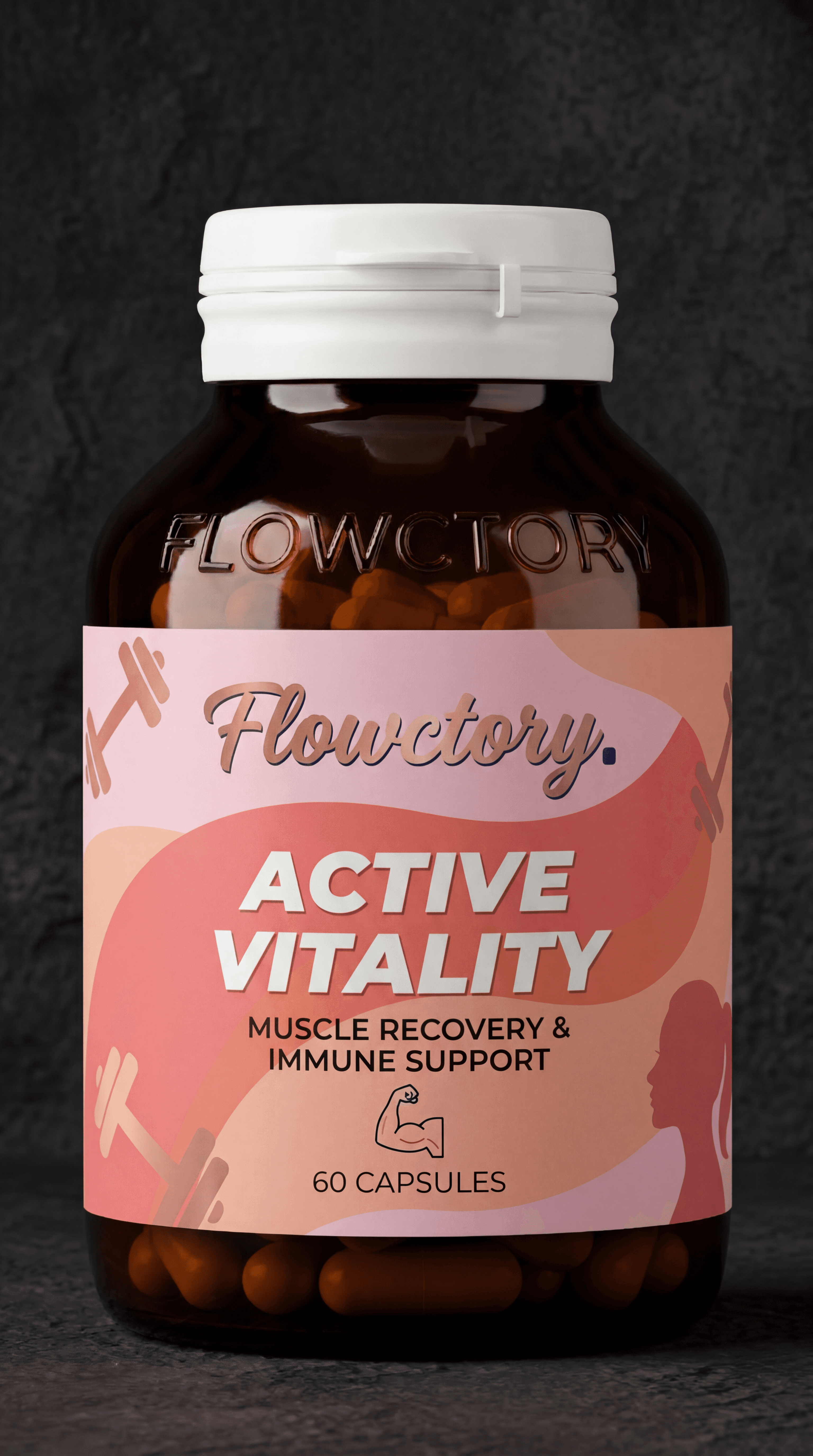
How to make a product ad with AI
- 01
Upload your product photo
Start from a clean packshot or a phone photo. Flowctory keeps it as the reference for every scene.
- 02
Generate scenes and a presenter
Place the product in lifestyle settings, cast a presenter and animate the best frames with an image-to-video model.
- 03
Export and reuse
Download vertical clips for each channel, or keep the flow in Canvas, swap in the next product and run it again.
For e-commerce sellers, D2C brands and performance marketers who need fresh product creatives every week without a studio shoot.
Top workflows
- Product photo to presenter-led video ad
- Lifestyle scenes and campaign stills from one packshot
- Short vertical variants for testing hooks on TikTok, Reels and Shorts
Why Flowctory fits
- One credit balance across the newest image and video models
- Reusable Canvas workflows for every new product
- Flowctory MCP lets Claude or ChatGPT run the same steps from a chat
Recommended plan
Plus - Plus adds monthly credits, Labs image editing and Canvas scheduling. Choose Pro to stitch clips into one finished ad. See the pricing page for current limits.
View pricingQuestions about AI product ads
- Can I try it for free?
- Eligible new accounts with a verified email can try one image and one video free during Labs onboarding, without a card. Those outputs carry a Flowctory watermark; active paid plans and purchased credits produce watermark-free media.
- Which AI models can I use?
- The live model directory lists every image and video model currently available, with supported modes and credit costs. Flagship families such as Kling, Seedance, Veo and GPT Image appear there while they are active.
- Will the product look exactly like my photo?
- Reference-based models keep the product close to your photo, but AI can still change labels, text or small details. Review packaging, labels and claims before publishing any generated ad.
- Can I make many variations at once?
- Yes. Save the steps in a Canvas workflow, change the product or prompt and run it again. Paid plans can schedule recurring runs, and Pro or Max can stitch clips into one finished video.