Product photo to video ad
Turn one product image into a presenter-led promotional clip with a reusable visual workflow.
5 steps · Brief → Images → Film
Real workflow example
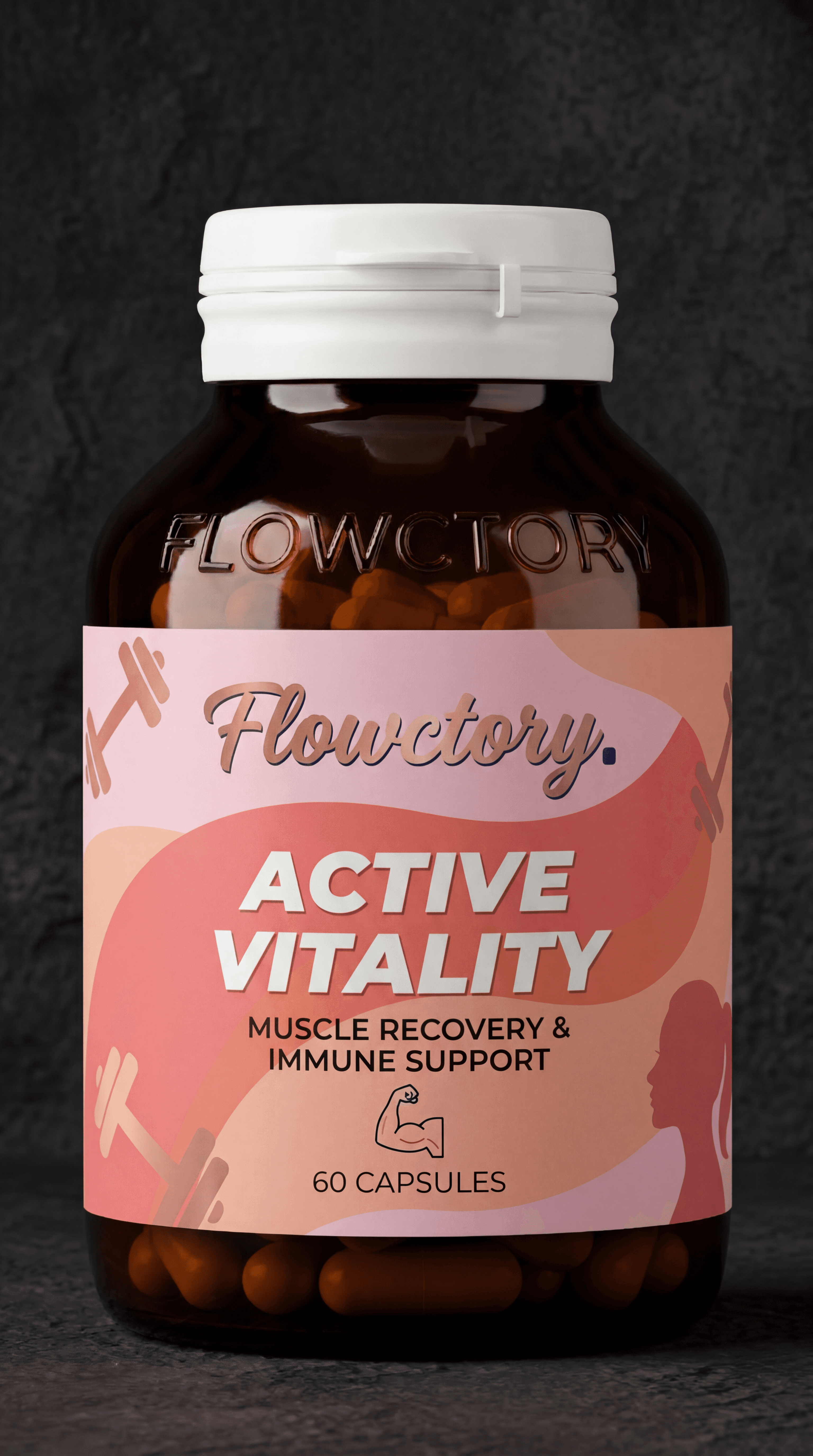
What this workflow produces
A polished product video assembled from generated visuals, a short script, and animated clips.
Workflow steps
- 01
Add source media
Place the strongest reference image, product shot, or brand asset on the canvas so every downstream step starts from the same visual source.
- 02
Generate the key visual
Use an image generation or editing node to establish the composition, subject, and visual direction before spending credits on motion.
- 03
Write the focused prompt or script
Generate or refine concise copy for the scene. Keep the message and motion instructions specific enough to reuse across variants.
- 04
Create motion
Connect the approved still and text to a compatible video model, then generate a short clip with deliberate camera and subject movement.
- 05
Review, stitch, and export
Compare the outputs, trim or sequence the strongest clips, then export the finished asset in the format your channel needs.
How do you turn a product photo into an AI video ad?
Use the product photo as a reference, approve a still image, then animate it with an image-to-video model. In Flowctory, you can test the image and motion in Labs and connect the steps in Canvas when you want to repeat the workflow for another product.
Start with a clear product reference
Use a sharp photo that shows the product shape, packaging and label. Choose media you have permission to use. Decide on one scene and one message before generating. For a vertical ad, choose a model that supports the aspect ratio you need; available inputs and output sizes vary by model.
Example prompt for the product still
Use the uploaded product photo as the reference. Place the product on a bathroom shelf in soft morning light. Preserve its shape, packaging colors and label. Keep the scene simple with space around the product. Do not add text or unsupported product claims.
Example prompt for image-to-video
Slow camera push toward the product. Keep the product still and its packaging unchanged. Soft light moves across the background. One continuous shot, no scene change, no added text.
These prompts are starting points, not the exact recipe for the example video above.
Check the still before spending credits on motion
Compare the generated still with the source: label, logo, proportions and color should remain accurate. After animation, check for warped packaging, flickering text and unwanted movement. Reject inaccurate takes. Test one change at a time, such as camera movement, while keeping the approved reference fixed.
What does this workflow cost?
There is no fixed price for a finished ad. Each generation consumes credits based on the model and settings; retries increase the total. Check the estimate before running. Labs is available on every plan, including Free. Canvas stitching is available on Pro and Max; check current plan terms before combining clips.
Check current plans and creditsChoose models for the job
Model availability, supported inputs, speed, and credit cost vary. Use the live model directory to compare current options before you build.
This guide shows a reusable workflow pattern. Exact results vary by source media, prompt, selected model, and settings.
Start creating free