AI product photography
Skip the studio day. Start from one product image and generate matching packshots, detail close-ups and lifestyle settings that share the same light and color, then animate the set into a short campaign sequence.
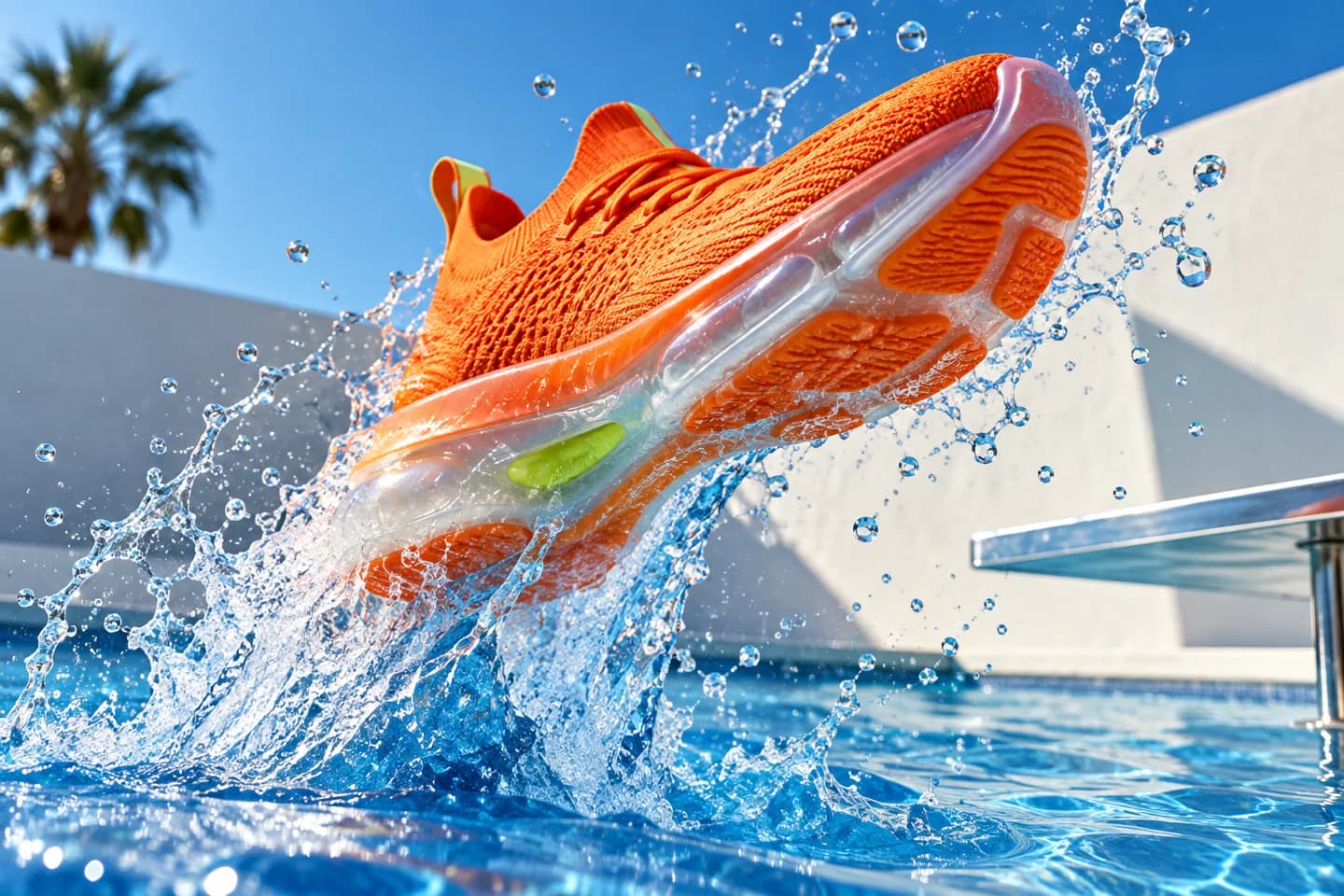
How to create AI product photos
- 01
Lock a key visual
Upload a product photo or generate a hero image you are happy with.
- 02
Branch into a set
Generate detail, setting and angle variations that reuse the key visual as a reference.
- 03
Edit and animate
Refine shots with image-editing models, remove or replace backgrounds and animate the best frames into a short sequence.
For marketplace sellers, D2C brands and agencies that need consistent product imagery at catalog scale.
Top workflows
- Packshots and lifestyle scenes from one product photo
- Background removal and replacement
- Campaign stills animated into a short sequence
Why Flowctory fits
- The newest image models side by side
- Reference-based variations keep light and color consistent
- A Canvas workflow to repeat the set for every product
Recommended plan
Plus - Plus adds monthly credits and Labs image editing for refining shots. See the pricing page for current limits.
View pricingQuestions about AI product photography
- Can AI product photos replace a photoshoot?
- For many social, marketplace and ad placements, yes. Always check that shape, color, labels and text match the real product before publishing.
- Can I remove or replace the background?
- Yes. Background-removal and image-editing models in Labs isolate the product or place it in a new setting.
- Which image models are available?
- The live model directory shows every current image model with its credit cost, including the GPT Image, Nano Banana, Seedream and FLUX families while they are active.
- Can I try it for free?
- Eligible new accounts with a verified email can try one image and one video free during Labs onboarding, without a card. Those outputs carry a Flowctory watermark; active paid plans and purchased credits produce watermark-free media.