AI UGC ad generator
Flowctory turns one product photo into a UGC-style ad: an AI-cast creator, a scroll-stopping hook, a product demo, a reaction shot and B-roll, assembled into a vertical video. The ready-made UGC workflow in Canvas connects every step, so you can test new hooks without booking creators.
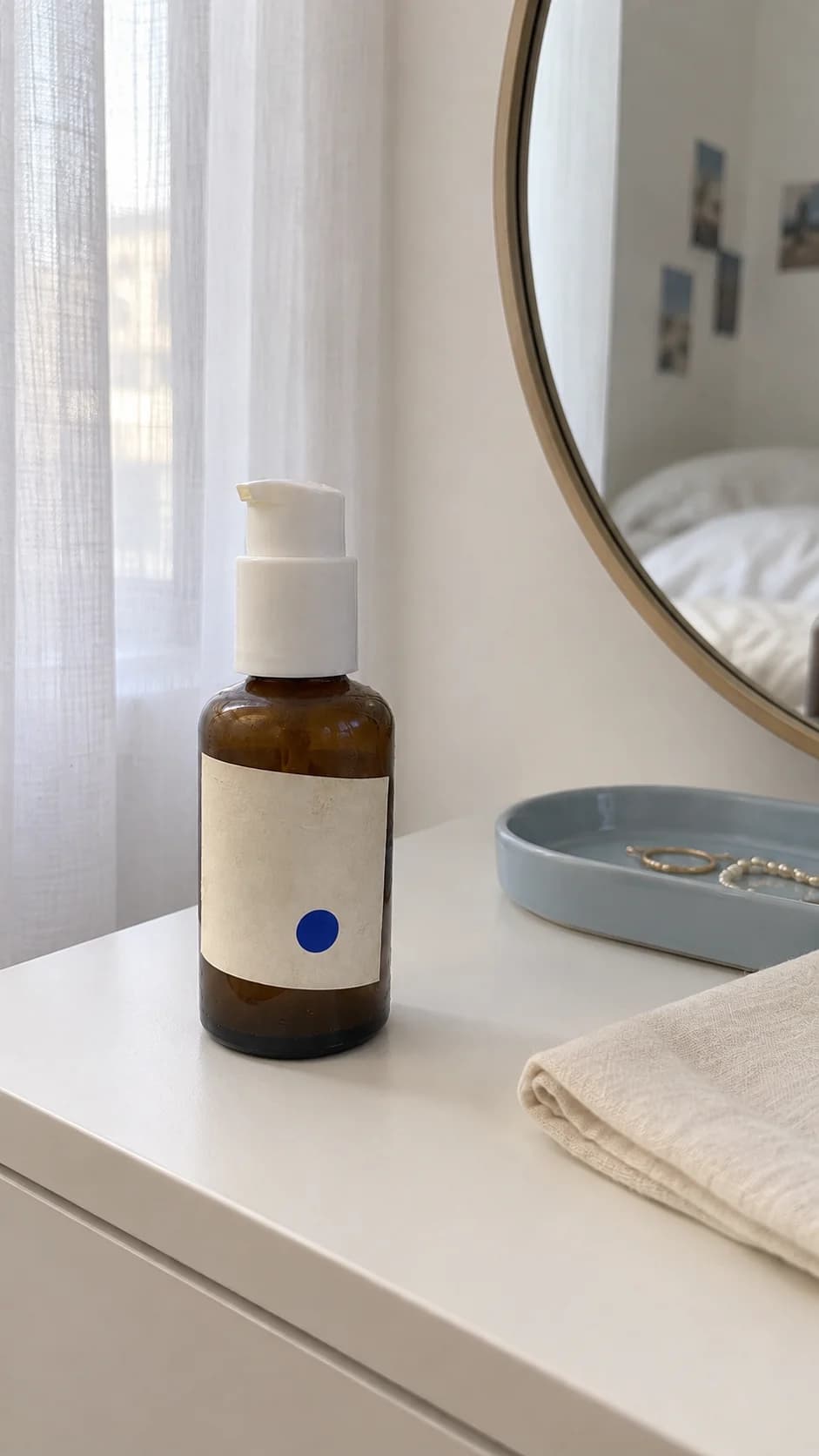
How to make a UGC ad with AI
- 01
Brief the ad
Add your product photo and a short brief: audience, hook, proof and call to action.
- 02
Cast the creator and scenes
Generate a relatable creator, then the hook, demo, proof and B-roll frames around your product.
- 03
Animate and assemble
Turn each frame into a short clip and stitch them into a vertical ad for TikTok, Reels or Shorts.
For brands, agencies and UGC creators who need many ad variations to test hooks and angles quickly.
Top workflows
- Product photo to UGC-style vertical ad
- Hook variations for the same product and creator
- Before-and-after and reaction shots for social proof
Why Flowctory fits
- A ready-made UGC ad workflow in Canvas
- Consistent AI creators from reference images
- Vertical exports for TikTok, Reels and Shorts
Recommended plan
Pro - Pro includes Canvas video stitching to assemble hook, demo and proof clips into one ad, plus more monthly credits. See the pricing page for current limits.
View pricingQuestions about AI UGC ads
- Is the creator a real person?
- No. The creator is generated by an AI image model from your brief. Disclose AI-generated people wherever a platform or local rule requires it.
- Can I keep the same creator across scenes?
- Yes. Use the generated creator image as a reference in the following steps so the hook, demo and proof frames show a consistent person.
- Can I try it for free?
- Eligible new accounts with a verified email can try one image and one video free during Labs onboarding, without a card. Those outputs carry a Flowctory watermark; active paid plans and purchased credits produce watermark-free media.
- Which plan do I need to stitch the final video?
- Generating images and clips works on every plan with credits. Canvas video stitching, which assembles the clips into one ad, requires Pro or Max.